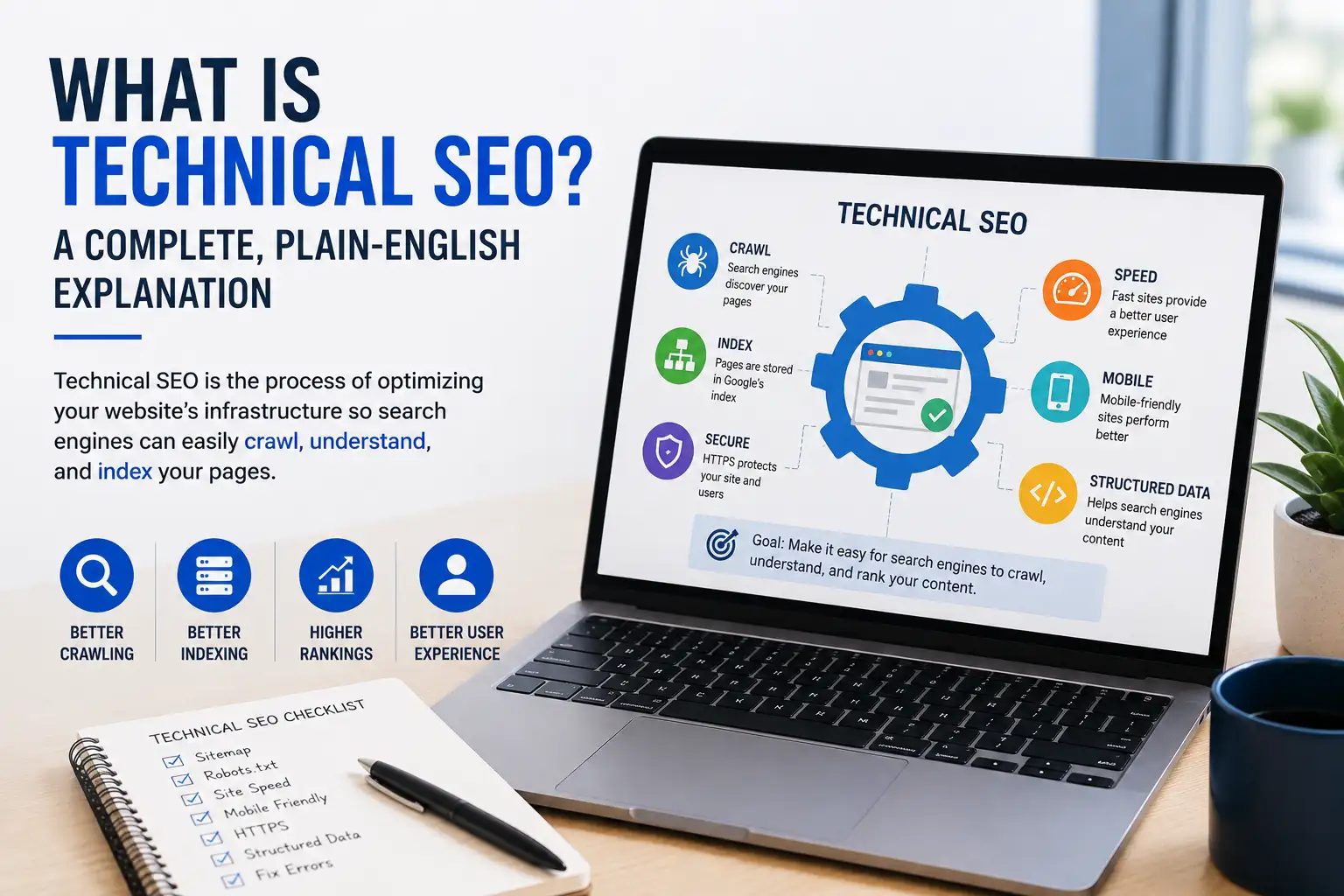
Technical SEO is the practice of optimizing a website’s backend – server, code, and infrastructure – so search engines can crawl, render, index, and interpret its content. Unlike on-page SEO (content and keywords) or off-page SEO (backlinks and authority), technical SEO makes sure the site itself works smoothly for both search engines and the people visiting it.
If that sounds abstract, here’s the plain version: technical SEO is everything that happens before anyone reads a single word on your page. Googlebot has to find your page, load it, understand it, and decide it’s worth storing in its index. Any breakdown in that chain – a blocked resource, a slow server, a confusing site structure – means your great content never gets the chance to compete for rankings at all.
This guide walks through every core piece of technical SEO in plain language, including a few things most explainers skip: how AI crawlers like GPTBot fit into the picture now, what actually happens during the “render” step most guides gloss over, and a real self-check you can run on your own site in the next ten minutes.
Everything here reflects real audit work across small business sites, e-commerce catalogs, and enterprise platforms – not just theory pulled from documentation.
What Is Technical SEO?
The Simple Definition
Technical SEO covers every optimization that happens outside your actual written content – your site’s code, server configuration, and structural setup – aimed at helping search engines access, understand, and rank your pages.
Think of your website as a house. Your content is the furniture and décor – what visitors actually notice and enjoy. Technical SEO is the foundation, wiring, and plumbing. Nobody compliments your plumbing, but if it fails, nothing else in the house works right either.
Technical SEO vs. On-Page SEO vs. Off-Page SEO – A Side-by-Side Comparison
SEO breaks down into three distinct disciplines, and confusing them is one of the most common beginner mistakes.
| Factor | Technical SEO | On-Page SEO | Off-Page SEO |
| What it optimizes | Site infrastructure, code, and server | Content, keywords, and page elements | External signals like backlinks |
| Where it lives | Backend – mostly invisible to visitors | The actual page content visitors read | Other websites and platforms |
| Core goal | Make the site crawlable, renderable, and indexable | Make content relevant to search queries | Build authority and trust signals |
| Example task | Fixing a broken robots.txt file | Writing a keyword-optimized title tag | Earning a backlink from a news site |
| Who typically owns it | Developers, technical SEOs | Content writers, marketers | Link builders, PR teams |
None of these three works well in isolation. Brilliant content on a page Google can’t crawl never gets read by anyone. Strong backlinks pointing to a broken, unindexed page waste real authority. Technical SEO is the layer that lets the other two actually pay off.
Why Does Technical SEO Matter?
The Crawl → Render → Index → Rank Chain, Explained
Most explanations stop at “crawl and index,” which skips a genuinely important middle step that trips up a lot of modern websites.
Here’s the full sequence. First, Googlebot discovers your page’s URL, usually by following a link or reading your sitemap – this is crawling. Next, for many modern websites, Google has to actually run the page’s JavaScript to see the full content, the same way a browser does – this is rendering. Only after rendering does Google evaluate the page and decide whether to index it, storing it in its massive database of web content. Only indexed pages are eligible to rank in search results at all.
That rendering step matters more than most site owners realize. If your page’s main content, navigation, or internal links only appear after JavaScript runs, and something delays or blocks that rendering, Google might index an incomplete, empty-looking version of your page – or delay indexing entirely while it waits for rendering resources to become available.
What Happens When Technical SEO Is Broken
A technically broken site doesn’t usually fail dramatically. It fails quietly.
Pages take weeks instead of days to show up in search. Some pages never get indexed at all, despite genuinely good content. Rankings feel randomly volatile because Google is working from an incomplete or outdated picture of your site. In our experience running audits, this is almost always the first thing we check when a client says “we’re publishing great content but nothing’s happening” – the content usually isn’t the problem.
How Does Crawling Actually Work?

Robots.txt and What It Actually Controls
Your robots.txt file, located at yoursite.com/robots.txt, tells search engine bots which parts of your site they’re allowed to request. It’s a request, not a lock – well-behaved bots like Googlebot respect it, but it doesn’t actually prevent a page from ever appearing in search results if other sites link to it.
A common, costly mistake: using robots.txt to try to keep a page out of Google’s index. If Google can’t crawl a page because you’ve blocked it, it also can’t see a noindex tag on that same page – so blocking and de-indexing are two different jobs requiring two different tools.
XML Sitemaps
An XML sitemap is a file listing the URLs on your site that you want search engines to know about, along with metadata like when each page last changed. It doesn’t force Google to index anything, but it makes discovery faster and more reliable, especially for large sites or pages with few internal links pointing to them.
Submit yours through Google Search Console under Indexing → Sitemaps, and keep it limited to canonical, indexable pages – a sitemap cluttered with redirects or duplicate URLs actively confuses the signal you’re trying to send.
Site Architecture, Internal Linking, and Orphan Pages
Site architecture is simply how your pages connect to each other through links. A clear hierarchy – homepage, category pages, individual pages – helps both visitors and crawlers understand what matters most and how everything relates.
Orphan pages are the clearest architecture failure, and they’re more common than most site owners realize. An orphan page is one with zero internal links pointing to it from anywhere else on your site. Picture a library where a book exists on the shelf but isn’t listed in any catalog, index, or cross-reference – a visitor could theoretically stumble onto it, but nothing guides them there, and the same is true for a crawler.
This happens constantly during content migrations, redesigns, or when old blog posts quietly fall out of your navigation over time. A page can have excellent content and still get almost no organic traffic simply because nothing on your site links to it. Run a crawl with a tool like Screaming Frog and cross-reference against your sitemap – pages that show up in your sitemap but never get discovered through the crawl are your orphans.
Crawl Budget – The Basics
Crawl budget is the amount of time and attention Google is willing to spend crawling your site in a given period. For most small and medium sites, this genuinely isn’t something to worry about – Google can comfortably crawl a few thousand pages without any special guidance from you.
It becomes relevant mainly for large sites – generally 10,000+ pages, especially e-commerce catalogs with heavy filtering, or sites publishing new content daily. On these sites, wasted crawl budget on low-value URLs (duplicate filter combinations, thin pages, broken links) can genuinely delay how quickly your best content gets discovered and indexed. If your site falls into that category, this is worth a much deeper dive on its own.
How Does Indexing Work (and How Is It Different From Crawling)?
Crawling is Google visiting a page. Indexing is Google deciding to store that page’s content in its searchable database. A page can be crawled and still never get indexed if Google judges it low-quality, duplicate, or not worth keeping.
Noindex Tags – When and How to Use Them
The noindex meta robots tag tells Google, “you can look at this page, but don’t include it in search results.” It’s the right tool for pages that need to exist but shouldn’t show up in search – thank-you pages, internal search results, staging environments, or duplicate filtered product listings.
Use it carefully. A noindex tag accidentally left on an important page after a site migration is one of the most common – and most damaging – technical SEO mistakes we encounter in real audits.
Canonical Tags and Duplicate Content
A canonical tag tells Google which version of a page is the “real” one when multiple URLs show the same or very similar content – common with URL parameters, www vs. non-www versions, or product variations.
Without canonical tags, Google has to guess which version to index and rank, which can split your ranking signals across multiple weaker URLs instead of consolidating them into one strong page.
Is Your Site Ready for AI Crawlers, Not Just Google?
This is genuinely new territory, and it’s changing fast enough that most explanations of technical SEO haven’t caught up yet.
GPTBot, OAI-SearchBot, and Other AI Crawlers
Search has expanded well beyond the traditional blue-links results page. ChatGPT, Gemini, Perplexity, and Google’s AI Overviews all pull from the same underlying web content – but they access it through different crawlers with different purposes.
GPTBot and Google-Extended are primarily training crawlers – they gather content to help improve future AI models. OAI-SearchBot and ClaudeBot, by contrast, are retrieval crawlers – they fetch your content in real time to help answer a specific user’s question right now. Blocking a training crawler has essentially no effect on your current AI search visibility. Blocking a retrieval crawler can make you invisible in that platform’s live answers entirely.
Why Blocking the Wrong Bot Can Hurt AI Visibility
Many AI crawlers don’t behave like Googlebot in one important way: several of them, including GPTBot and ClaudeBot, don’t execute JavaScript at all. They work from the raw HTML your server sends on the first request. If your important content only appears after JavaScript runs – the same rendering-dependency issue covered earlier – these crawlers may simply never see it, regardless of your robots.txt settings.
Check your robots.txt file specifically for AI crawler directives, and decide deliberately whether you want your content used for AI training, live AI answer retrieval, both, or neither – this is a strategic choice now, not something to leave to a default template.
What Role Does Site Speed and Core Web Vitals Play?
LCP, INP, and CLS Explained Simply
Core Web Vitals are three specific metrics Google uses to measure real user experience, and Google treats them as a genuine, if modest, ranking factor.
Largest Contentful Paint (LCP) measures how long your main content takes to load – aim for under 2.5 seconds. Interaction to Next Paint (INP) measures how quickly your page responds to clicks and taps – aim for under 200 milliseconds. This metric officially replaced the older First Input Delay (FID) metric in 2024, so if you’re reading advice that still centers on FID, it’s outdated. Cumulative Layout Shift (CLS) measures how much your page jumps around while loading – aim for under 0.1.
Quick Wins for Improving Page Speed
Compress and resize images before uploading them, and use modern formats like WebP instead of older JPEG or PNG files. Use a content delivery network (CDN) to serve your site from servers physically closer to your visitors. Minify your CSS and JavaScript files to strip out unnecessary characters that add to load time without adding any function.
Test your current standing with Google’s free PageSpeed Insights tool – it shows both a lab-based performance score and, more importantly, real field data from actual visitors.
Why Does Mobile-Friendliness Matter for Technical SEO?

Mobile-First Indexing Explained
Google primarily uses the mobile version of your site to decide how to index and rank it – not the desktop version, even for visitors searching from a desktop computer. This has been Google’s default approach for years now, and it means your mobile experience effectively is your SEO foundation.
What “Mobile Parity” Actually Means
Mobile parity means your mobile site contains the same core content, links, and structured data as your desktop version. If something exists only on desktop – an entire section of text, a set of internal links, a piece of structured data – it effectively doesn’t exist for indexing purposes at all, since Google is evaluating the mobile version.
This trips up sites that built a stripped-down “mobile version” years ago for speed reasons and never fully reconciled it with a growing desktop site. Check both versions side by side; if you find genuine gaps, mobile parity is worth fixing immediately.
How Does Site Security (HTTPS) Affect SEO?
Why HTTPS Is a Baseline Signal
HTTPS encrypts the connection between your visitors and your server, protecting information like passwords and payment details from interception. Google confirmed HTTPS as a ranking signal back in 2014, and modern browsers now actively flag non-HTTPS sites as “Not secure” – a genuine trust problem beyond just SEO.
Getting and Maintaining an SSL Certificate
An SSL/TLS certificate is what enables HTTPS, and you can get one free through providers like Let’s Encrypt, or through your hosting provider directly. Once installed, make sure your HTTP version redirects cleanly to HTTPS, and check periodically for “mixed content” warnings – cases where a secure page still loads an image or script over an insecure connection.
What Is Structured Data and Why Does It Matter?
How Schema Markup Helps Search Engines
Structured data, also called schema markup, is code added to your page that explicitly tells search engines what specific elements mean – this is a product, this is its price, this is a review, this is an event date. It’s written in a standardized vocabulary (usually as JSON-LD) that search engines and AI systems both understand.
Done well, structured data can unlock rich snippets in search results – star ratings, prices, FAQ dropdowns – that make your listing stand out and can meaningfully improve click-through rates.
Why Mismatched Schema Can Backfire
Here’s the part most explanations skip entirely: structured data has to accurately reflect what a visitor actually sees on the page. If your schema markup claims a product costs $49 but the visible page shows $59, that’s a real problem, not a harmless technicality.
Google can choose to ignore mismatched structured data entirely, or in more serious cases, flag it as potentially misleading. As pricing, availability, or ratings update dynamically on a page, it’s worth periodically verifying that your schema markup updates alongside them rather than silently falling out of sync.
What Other Technical SEO Elements Should You Know About?
Redirects and Broken Links
A 301 redirect permanently sends visitors and crawlers from an old URL to a new one, preserving most of the original page’s ranking value. Avoid stacking multiple redirects in a chain – each additional hop adds delay and slightly weakens the signal passed along.
Broken links – internal or external – waste crawl time and frustrate visitors. Audit your site periodically and either fix or remove links pointing to pages that no longer exist.
Hreflang and International SEO
If you run versions of your site in multiple languages or target multiple countries, hreflang tags tell Google which version to show which audience. Without them, Google might show a French visitor your English homepage, or worse, treat your language versions as duplicate content competing against each other.
Pagination and Faceted Navigation
Pagination splits long content – a large blog archive, a big product category – across multiple pages rather than one endless scroll. Done correctly, each paginated page is a clean, crawlable URL Google can follow and index individually.
Faceted navigation – letting users filter products by size, color, or price – is a common source of technical SEO trouble on e-commerce sites, since each filter combination can generate its own crawlable URL. Left unmanaged, this multiplies into thousands of near-duplicate pages competing for the same rankings.
Common Technical SEO Mistakes to Avoid

Using Noindex Instead of Robots.txt (and Vice Versa)
These solve different problems. Robots.txt stops a crawl request from happening at all. Noindex allows the crawl but excludes the page from search results afterward. Mixing them up – blocking a page in robots.txt while also trying to noindex it – means Google may never even see the noindex instruction, since it can’t crawl the page to find it.
Blocking JavaScript or CSS Resources Needed for Rendering
Some sites accidentally block the very JavaScript and CSS files Google needs to properly render the page, usually through an overly broad robots.txt rule. This can leave Google with an incomplete or broken picture of a page that looks perfectly normal in an actual browser.
Ignoring Mobile Parity
Since Google evaluates your mobile version for indexing and ranking, any content, links, or structured data that exist only on desktop are effectively invisible to Google – a mistake that’s surprisingly common on older sites that never fully unified their mobile and desktop experiences.
How Do You Check Your Own Site’s Technical SEO Health? (5 Steps)
- Run your homepage and a few key pages through PageSpeed Insights. Look specifically at the Core Web Vitals assessment at the top of the report, not just the lab-based performance score below it.
- Search “site:yourdomain.com” in Google. This gives you a rough sense of how many of your pages are actually indexed – a number wildly lower than your actual page count is worth investigating.
- Check your site on an actual phone, not just a browser window resized smaller. Note anything cramped, slow, or missing compared to the desktop version.
- Look for the padlock icon in your browser bar across several pages, not just the homepage, to confirm HTTPS is genuinely active sitewide.
- Review your robots.txt file directly at yoursite.com/robots.txt, checking specifically that no important pages, CSS, or JavaScript files are accidentally blocked.
These five checks won’t replace a full technical audit – a proper one goes much deeper into crawl budget, structured data validation, and log file analysis – but they’ll tell you fast whether it’s worth digging further.
FAQ
Is technical SEO the same as a technical SEO audit?
No. Technical SEO is the ongoing practice of optimizing your site’s infrastructure. A technical SEO audit is a specific, structured review that identifies where your current setup falls short of best practices, usually producing a prioritized list of fixes.
Do I need a developer to do technical SEO?
Some tasks – compressing images, updating meta tags, submitting a sitemap – don’t require coding knowledge. More involved fixes, like resolving JavaScript rendering issues or restructuring URLs, typically need a developer to implement safely without breaking other parts of the site.
How is technical SEO different from on-page SEO?
Technical SEO optimizes your site’s backend infrastructure so search engines can access and understand it at all. On-page SEO optimizes the actual content and page elements – titles, headings, keyword usage – to make that content relevant to specific search queries once it’s accessible.
How often should technical SEO be checked?
A full audit once or twice a year is a reasonable baseline for most sites, with lighter monitoring in between. Check immediately after any major change – a redesign, a CMS migration, or a significant content expansion – since these are when technical issues most commonly get introduced.
Does technical SEO affect AI search visibility too?
Yes, and increasingly so. AI systems like ChatGPT and Google’s AI Overviews still depend on the same crawling and rendering fundamentals as traditional search – if your content isn’t crawlable, renderable, and clearly structured, it’s far less likely to be surfaced or cited in AI-generated answers.
The Bottom Line on Technical SEO
Technical SEO isn’t the exciting part of a marketing strategy, and it’s rarely the thing anyone notices when it’s working correctly. That’s the point – it’s supposed to be invisible when it’s done right.
Start with the fundamentals: crawlability, indexability, HTTPS, and mobile-friendliness. Then work through the rest – speed, structured data, AI crawler access – based on what your own site actually needs, not a generic checklist applied blindly.
Run the five-step self-check above today. If it turns up problems, that’s not a sign your content strategy has failed – it’s usually the very first thing standing between the work you’re already doing and the results you’re expecting to see from it.